How to Turn Photos into Coloring Pages in 2025 (Free + AI Tools)
Learn how to convert photos into coloring book pages using AI tools. Perfect for creating custom coloring books, tattoo references, educational materials, and personalized gifts.
Introduction
Want to turn your favorite photos into coloring pages? Whether you're creating a custom coloring book, designing tattoo references, or making personalized gifts, converting photos to line art has never been easier thanks to AI technology.
In this comprehensive guide, you'll learn everything about transforming photos into coloring pages - from choosing the right images to understanding different conversion techniques.
Why Convert Photos to Coloring Pages?
Before diving into the how-to, let's explore the practical applications:
Creative & Personal Use
- Custom coloring books for kids or adults
- Personalized gifts featuring family photos or pets
- Unique wall art that you can color yourself
- Memory preservation in an artistic format
Professional & Commercial Use
- Tattoo design references - clean line art for tattoo artists
- Educational materials - custom worksheets for teachers
- Product design - outline sketches for prototyping
- Marketing materials - stylized artwork for social media
Artistic Applications
- Digital art base - starting point for illustrations
- Architectural sketches - building concept visualizations
- Portfolio pieces - demonstrating style versatility
According to recent market research, the global coloring book market is expected to reach $1.2 billion by 2026, with custom and personalized coloring books driving significant growth.
What Makes a Good Photo for Coloring Page Conversion?
Not all photos convert equally well. Here's what works best:
Ideal Photo Characteristics
✅ Best:
- Clear, high-contrast subjects
- Simple backgrounds or plain backdrops
- Well-lit photos with minimal shadows
- Sharp focus on the main subject
- Distinct edges and outlines
❌ Avoid:
- Blurry or low-resolution images
- Busy, cluttered backgrounds
- Low-contrast photos (similar colors throughout)
- Heavily shadowed or backlit images
- Images with too many fine details
Photo Subject Matter
Different subjects work better for different purposes:
| Subject Type | Best For | Conversion Quality |
|---|---|---|
| Portraits | Kids' coloring books, gifts | Excellent |
| Pets | Personalized coloring pages | Excellent |
| Buildings | Architectural sketches | Very Good |
| Landscapes | Adult coloring books | Good |
| Products | Commercial use | Very Good |
| Flowers | Decorative coloring pages | Excellent |
Pro Tip: Take photos specifically for coloring page conversion? Use natural lighting, position your subject against a plain background, and ensure sharp focus.
Methods to Convert Photos to Coloring Pages
There are several approaches, each with different advantages:
1. AI-Powered Online Tools (Recommended for Beginners)
Advantages:
- No software installation required
- Instant results (seconds, not minutes)
- Automatic edge detection and line simplification
- Multiple style options
Best For: Quick conversions, beginners, bulk processing
How It Works:
- Upload your photo
- Select coloring book style
- AI analyzes edges and creates line art
- Download your coloring page
2. Desktop Software (Photoshop, GIMP)
Advantages:
- Complete control over the result
- Fine-tune edge detection
- Combine multiple effects
- Professional-grade output
Best For: Professional designers, complex images, commercial projects
Typical Process:
- Convert to grayscale
- Adjust contrast and brightness
- Apply edge detection filters
- Clean up unwanted lines
- Convert to black and white
While desktop software offers more control, AI tools now match or exceed the quality for most use cases while being 10x faster.
3. Mobile Apps
Advantages:
- Edit on the go
- Direct camera integration
- Quick sharing to social media
Best For: Casual users, social media content
Step-by-Step: Converting Photos with AI Tools
Let's walk through the modern, AI-powered approach:
Step 1: Choose Your Photo
Select an image following the guidelines mentioned earlier. For this tutorial, common choices include:
- A portrait photo (best for beginners)
- A pet photo (high success rate)
- An architectural image (unique results)
Step 2: Upload and Select Style
Most AI tools offer multiple coloring book styles:
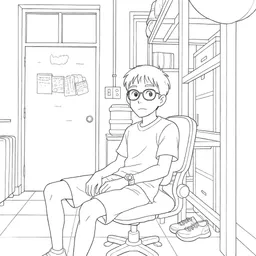
Coloring Book Style
- Clean, bold outlines
- Perfect for kids' coloring books
- Simplifies complex details
- Ideal for: Children's activities, gift books
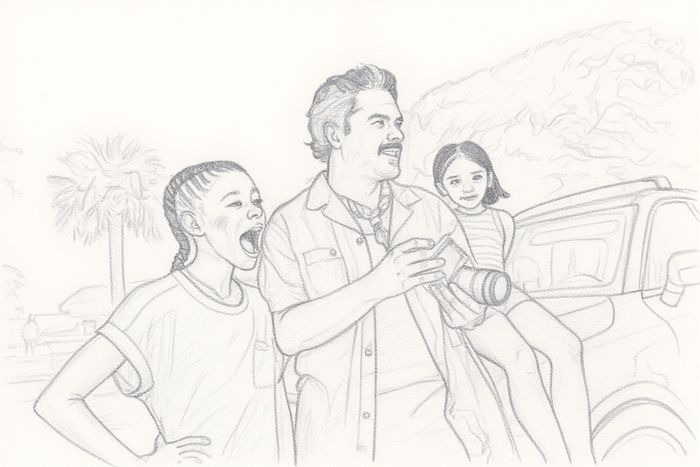
Pencil Sketch Style
- Softer, more detailed lines
- Realistic pencil drawing effect
- Preserves more details
- Ideal for: Adult coloring books, portraits
Cartoon Style
- Simplified, fun outlines
- Exaggerated features
- Playful aesthetic
- Ideal for: Children's content, social media
Step 3: Download and Print
Once generated:
- Download in high resolution (at least 300 DPI for printing)
- Choose the right paper (cardstock for durability)
- Print in actual size or scale as needed
Step 4: Enhance (Optional)
You can further customize:
- Add text or titles
- Combine multiple images
- Adjust line thickness
- Remove unwanted elements
Comparison: Traditional vs AI Methods
| Aspect | Traditional (Photoshop) | AI Tools |
|---|---|---|
| Time Required | 15-30 minutes | 5-10 seconds |
| Learning Curve | Steep (weeks to master) | None (instant) |
| Cost | $10-60/month subscription | Free or $5-15/month |
| Quality Control | High (manual adjustments) | High (automated) |
| Batch Processing | Difficult | Easy |
| Best For | Professional projects | Most users |
Advanced Tips for Better Results
Pre-Processing Your Photos
Before uploading, enhance your source image:
1. Increase contrast by 20-30%
2. Sharpen edges slightly
3. Remove distracting background elements
4. Crop tightly around your subject
5. Ensure proper lighting balance
Post-Processing Techniques
After conversion, you can:
- Use a photo editor to remove stray lines
- Adjust line thickness for different age groups
- Add guide numbers for paint-by-numbers style
- Combine multiple converted images into a scene
Creating Professional Coloring Books
If you're creating a coloring book for sale:
- Consistency: Use the same conversion style throughout
- Variety: Mix simple and complex images
- Themes: Organize by subject matter
- Age-appropriate: Match line complexity to target audience
- Print testing: Always print test pages before bulk printing
Business Opportunity: Custom coloring books sell for $10-30 on platforms like Etsy and Amazon KDP, with minimal production costs if you're creating digital versions.
Common Use Cases & Examples
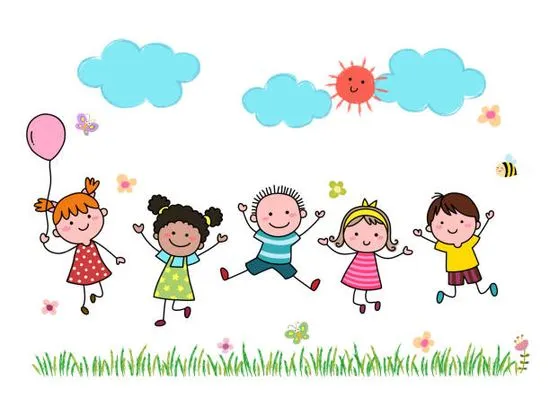
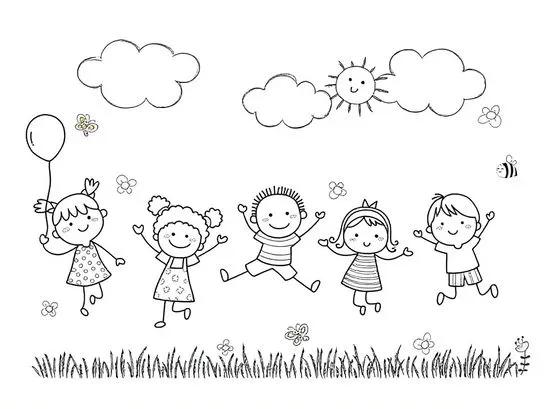
1. Custom Kids' Coloring Book
Scenario: A parent wants to create a personalized coloring book featuring their child's favorite things.
Process:
- Take photos of the child's toys, pets, family members
- Convert to coloring book style
- Add simple captions
- Print and bind
Result: A unique gift that keeps kids engaged for hours
2. Tattoo Design Reference
Scenario: A tattoo enthusiast wants to turn a meaningful photo into a tattoo design.
Process:
- Select a high-contrast photo
- Convert to pencil sketch or line art style
- Simplify details for tattoo-friendly design
- Provide to tattoo artist as reference
Result: A custom tattoo design based on personal memories
3. Educational Worksheets
Scenario: A teacher needs custom coloring sheets for a lesson about local landmarks.
Process:
- Photograph local buildings or landmarks
- Convert to coloring book style
- Add educational facts or questions
- Print for classroom use
Result: Engaging, relevant learning materials
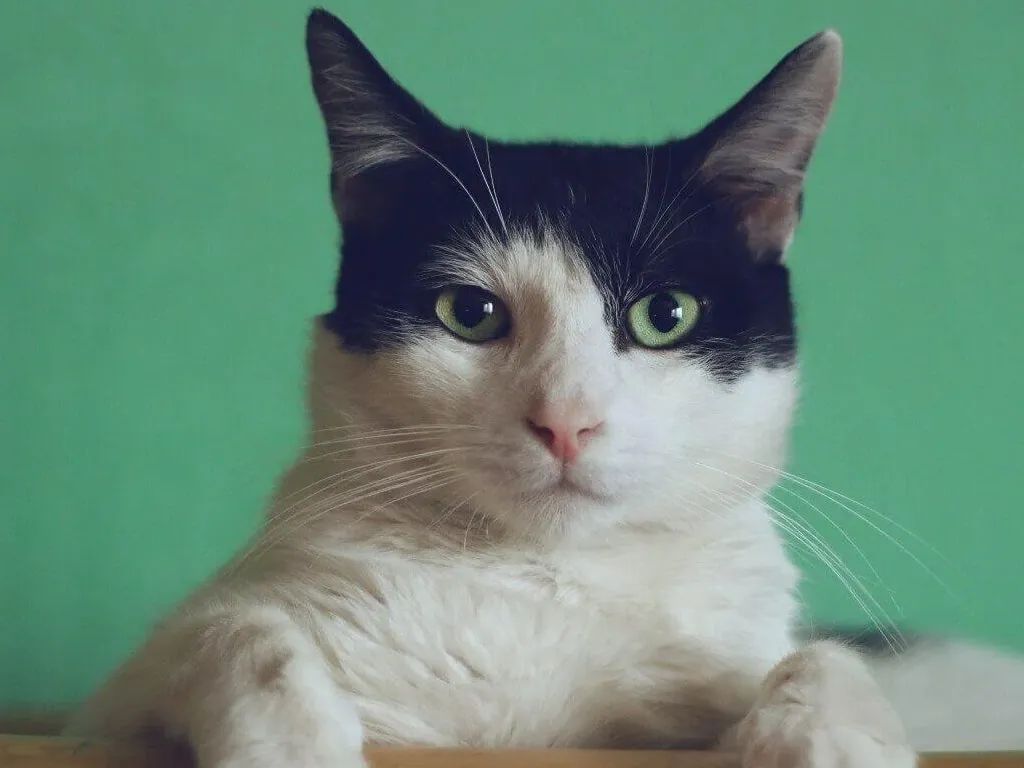
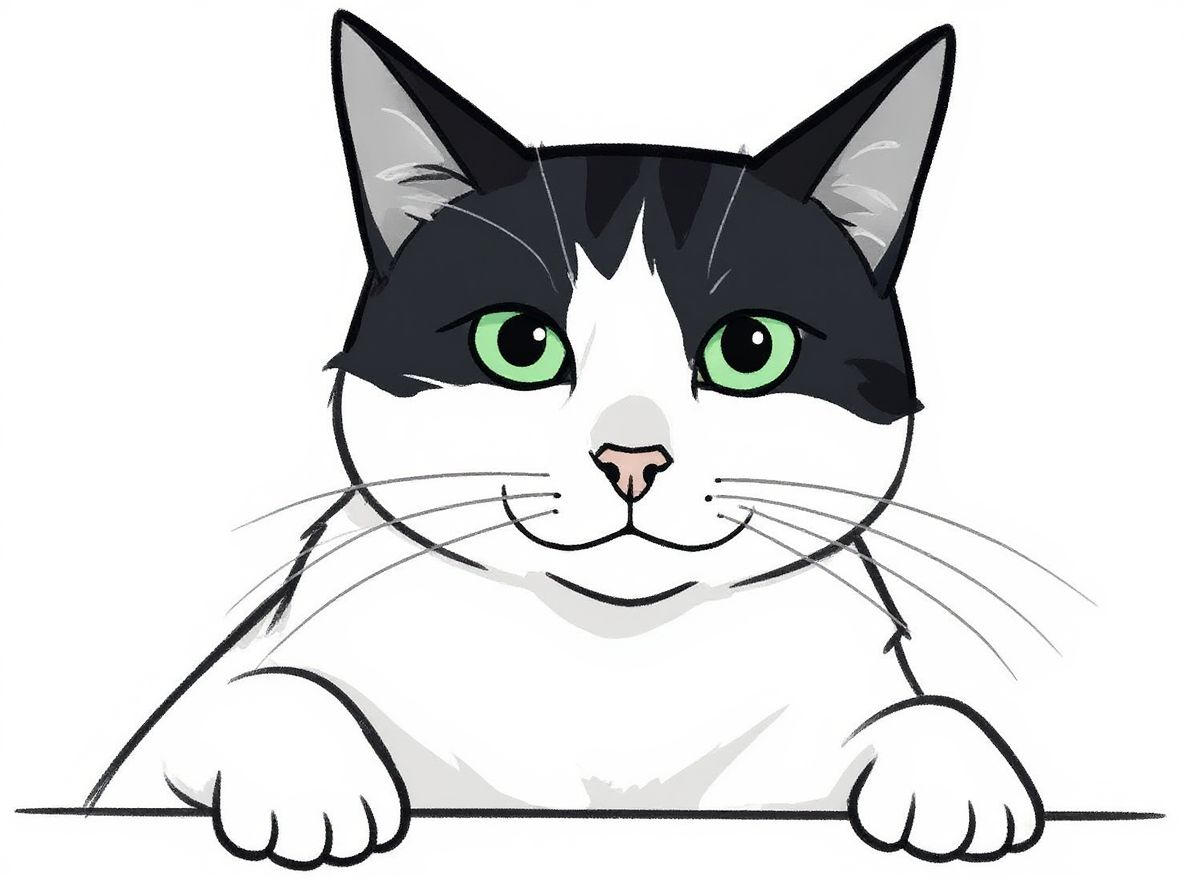
4. Pet Portrait Coloring Pages
Scenario: Creating a personalized gift for a pet owner.
Process:
- Use a clear photo of the pet
- Convert to coloring book style
- Print on quality paper
- Frame or bind as a gift
Result: A touching, interactive gift
Tools Comparison: What to Choose in 2025
Here's how popular tools compare:
Free Online Tools
Pros:
- No cost
- No sign-up required
- Quick results
Cons:
- May have watermarks
- Limited customization
- Lower resolution limits
Premium AI Tools
Pros:
- No watermarks
- High resolution (print quality)
- Multiple style options
- Batch processing
- Priority processing
Cons:
- Monthly cost ($5-20)
- May require account
Desktop Software
Pros:
- One-time purchase (or subscription)
- Unlimited processing
- Professional features
Cons:
- Steep learning curve
- Time-intensive
- Requires technical skills
For most users, premium AI tools offer the best balance of quality, convenience, and cost. Free tools work great for occasional use.
Troubleshooting Common Issues
Issue 1: Too Many Lines / Too Busy
Solution:
- Choose simpler source photos
- Select "simplified" or "cartoon" style
- Pre-process to remove background clutter
- Use higher contrast in original photo
Issue 2: Missing Important Details
Solution:
- Increase photo resolution before uploading
- Ensure subject is well-lit
- Try "detailed" or "pencil sketch" style
- Sharpen the image before conversion
Issue 3: Broken or Disconnected Lines
Solution:
- This is usually from low image quality
- Retake photo with better lighting
- Use a higher resolution source image
- Try different AI tool (algorithms vary)
Issue 4: Background Not Removed
Solution:
- Manually remove background before converting
- Use plain backdrop when taking photos
- Try tools with automatic background removal
- Edit out background in post-processing
Printing Your Coloring Pages
Paper Selection
For Kids:
- 80-100 GSM printer paper
- Bright white for best contrast
- Budget-friendly option
For Adults / Gifts:
- 120-160 GSM cardstock
- Smooth finish for colored pencils
- Slight texture for markers/pens
Print Settings
- Color Mode: Grayscale or Black & White
- Quality: Highest/Best
- Paper Size: Letter (8.5" x 11") or A4
- Resolution: 300 DPI minimum
- Scaling: Fit to page or Actual Size
Binding Options
For coloring books:
- Spiral binding: Easy to lay flat while coloring
- Saddle stitch: Professional look, works for 8-32 pages
- Perfect binding: Best for 32+ pages
- Loose sheets: Most flexible, can frame completed pages
Frequently Asked Questions
Can I sell coloring pages made from photos?
If it's YOUR photo: Yes, you own the copyright.
If it's someone else's photo: You need explicit permission, even after converting to line art.
Commercial use: Check the AI tool's terms of service. Most allow commercial use, but some free tools don't.
What resolution do I need for printing?
- Screen viewing: 72-150 DPI
- Home printing: 300 DPI minimum
- Professional printing: 300-600 DPI
- Large format (posters): 150-300 DPI
Can I use celebrity or copyrighted images?
No. Converting a copyrighted photo to a coloring page doesn't change the copyright. Use only:
- Your own photos
- Royalty-free stock photos
- Photos you have permission to use
How do I create a paint-by-numbers version?
After converting to a coloring page:
- Use photo editing software
- Identify distinct color regions
- Add numbers to each region
- Create a color key
- Some AI tools now offer this feature built-in
What's the best coloring medium for these pages?
- Colored pencils: Work on any paper, easy to control
- Markers: Use thicker paper (120+ GSM) to prevent bleed
- Watercolors: Use watercolor paper (200+ GSM)
- Digital coloring: Import into Procreate or Photoshop
Conclusion
Converting photos to coloring pages has become incredibly accessible thanks to AI technology. Whether you're creating a personalized gift, developing educational materials, or starting a coloring book business, the process is now faster and easier than ever.
Key Takeaways:
- ✅ Choose high-contrast, well-lit photos for best results
- ✅ AI tools offer the best balance of quality and convenience
- ✅ Different styles serve different purposes (kids vs adults)
- ✅ Proper printing setup ensures professional results
- ✅ Always respect copyright when using photos
Ready to start creating? Try converting your first photo today and discover the creative possibilities!
Next Steps: Start with a simple portrait or pet photo. Most AI tools offer free trials, so you can test different styles before committing to a paid plan.
Author
Categories
More Posts
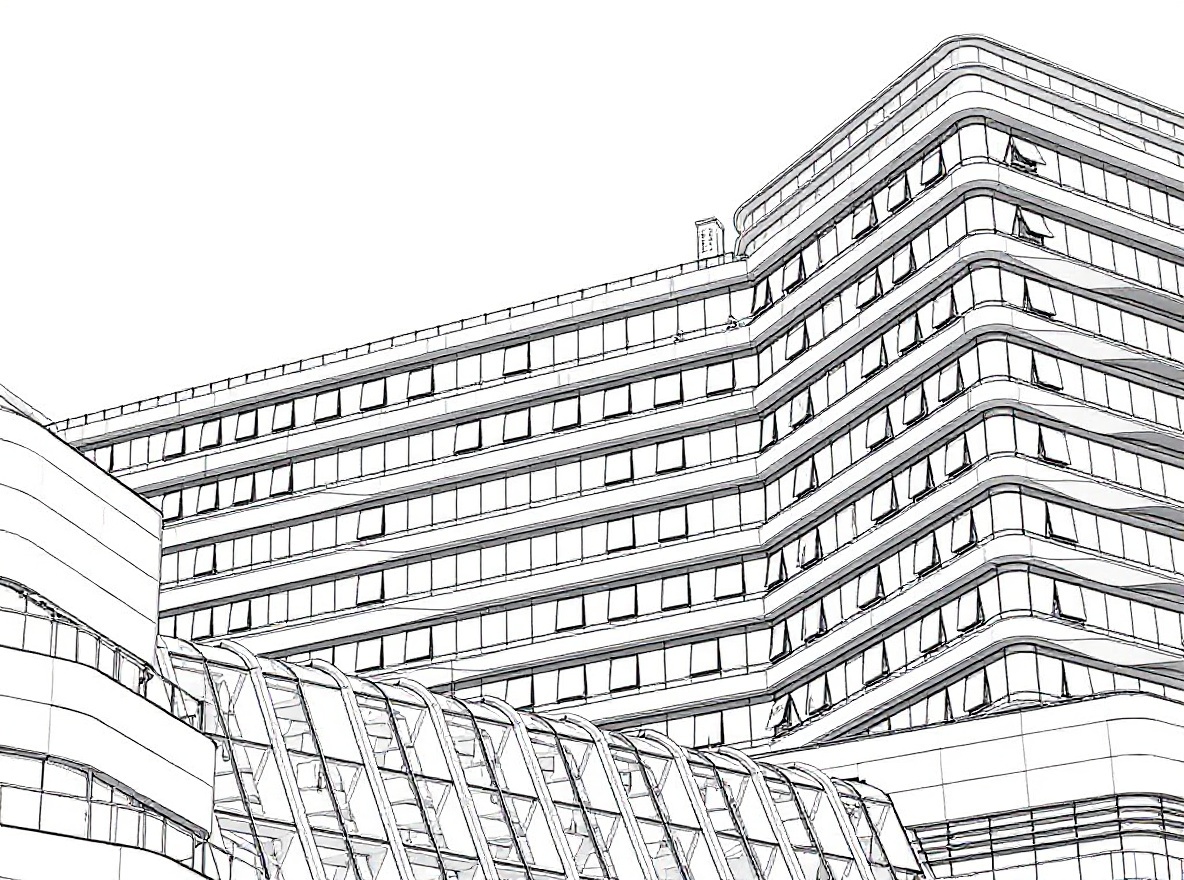
Turn Facade Photos into Architectural Drawings with AI - Complete Guide 2025
Learn how to turn facade photos into professional architectural drawings using AI. Transform building photos into sketch renderings in seconds. Perfect for presentations, concept development, and portfolio work.
Creating a Sketch from a Photo: Complete Step-by-Step Guide (2025)
Learn everything about creating a sketch from a photo using AI tools. Step-by-step tutorial covering techniques, tools, and tips for converting photos into beautiful sketches. Free and easy to use.